
We use cookies on this site to enhance your experience.
By selecting “Accept” and continuing to use this website, you consent to the use of cookies.
During holiday closures and reading week, use the self-serve PrintMe copiers on campus.
For convenient printing and copying after hours you have the option of using the many Ricoh copiers on campus.
NOTICE: N/A
Scheduled system maintenance and outages will be posted here.
Self-serve printing is easy to use. PrintMe is available on Ricoh copiers in the Library, ICT Labs and on the public access copiers around campus. For locations see "PrintMe" tab on this web page or the interactive maps - find Printing under "Services".
✔️ How to print without uploading files in browser:
Save time (instead of using Web Print), download and install the print driver directly to your device
http://printme.wlu.ca/mobile
Follow the on-screen instructions. Once installed, you can print from application(s) on your device (no need to select a printer). Then simply walk to the nearest Ricoh copier and tap your OneCard or enter your Laurier username and password on the touch-screen to release your print jobs.
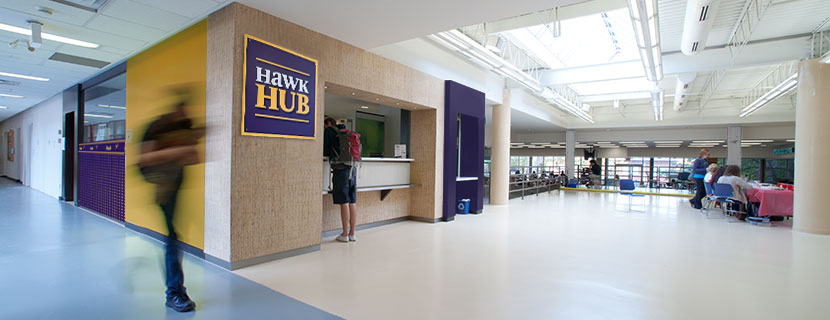
Hawk Hub can also print your documents and have them ready for when you would like to pick them up. Email your files with instructions and due date to hawkhub@wlu.ca.
When printing or copying, the provisions of the Canadian Copyright Act and the Access Copyright License must be observed. See information about the Canadian Copyright Act.